Setup
Operations
Health checks, background workers, logs and the search index — running Tyto day to day.
Health
GET /api/health— unauthenticated liveness for load balancers:200 {"status":"ok"}or503.- Admin panel → Health — authenticated deep probes (database, cache, search, realtime hub) plus system resource metrics, a scheduled-task table (last/next run per job) and a presence-history chart of member and guest activity.
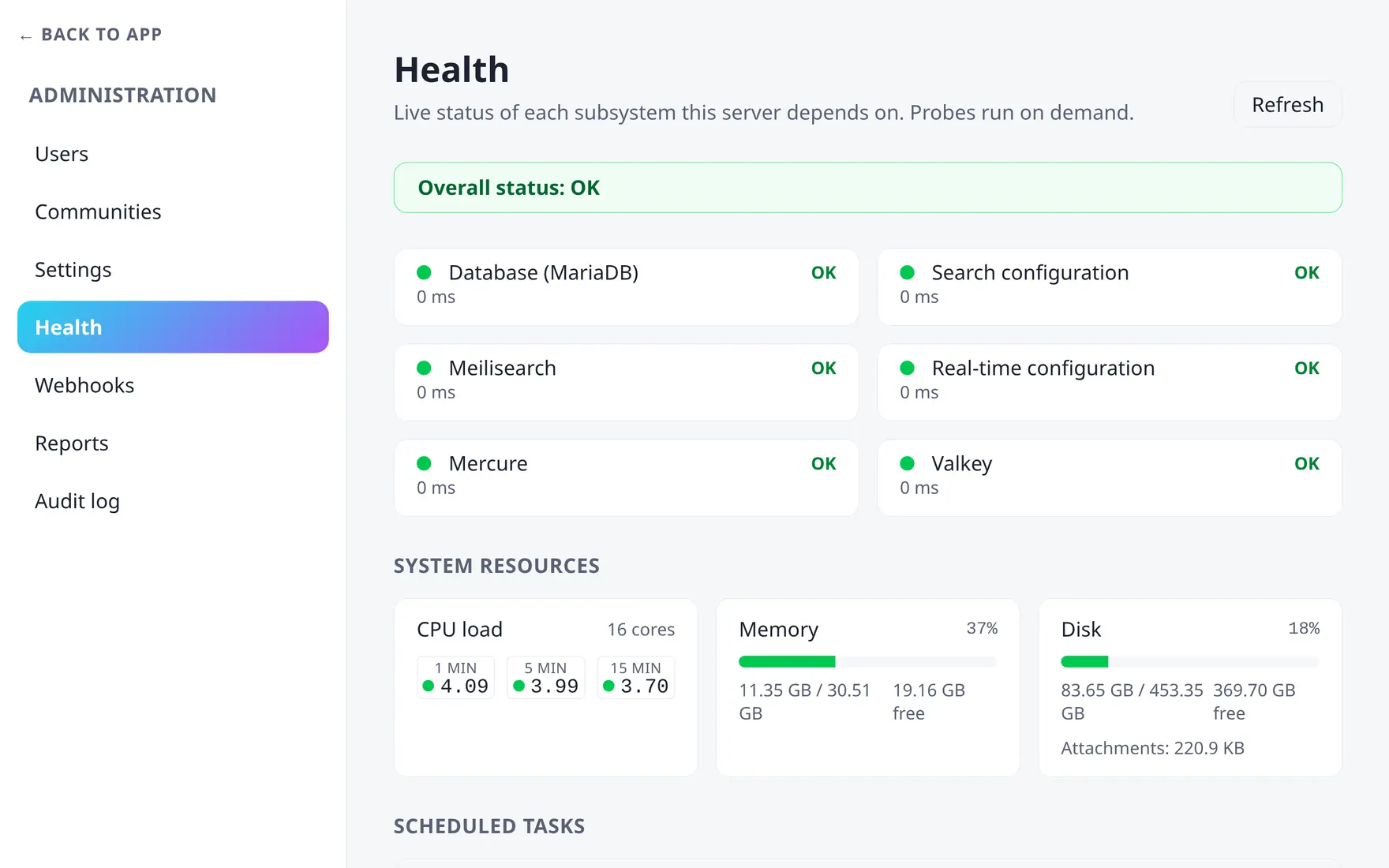
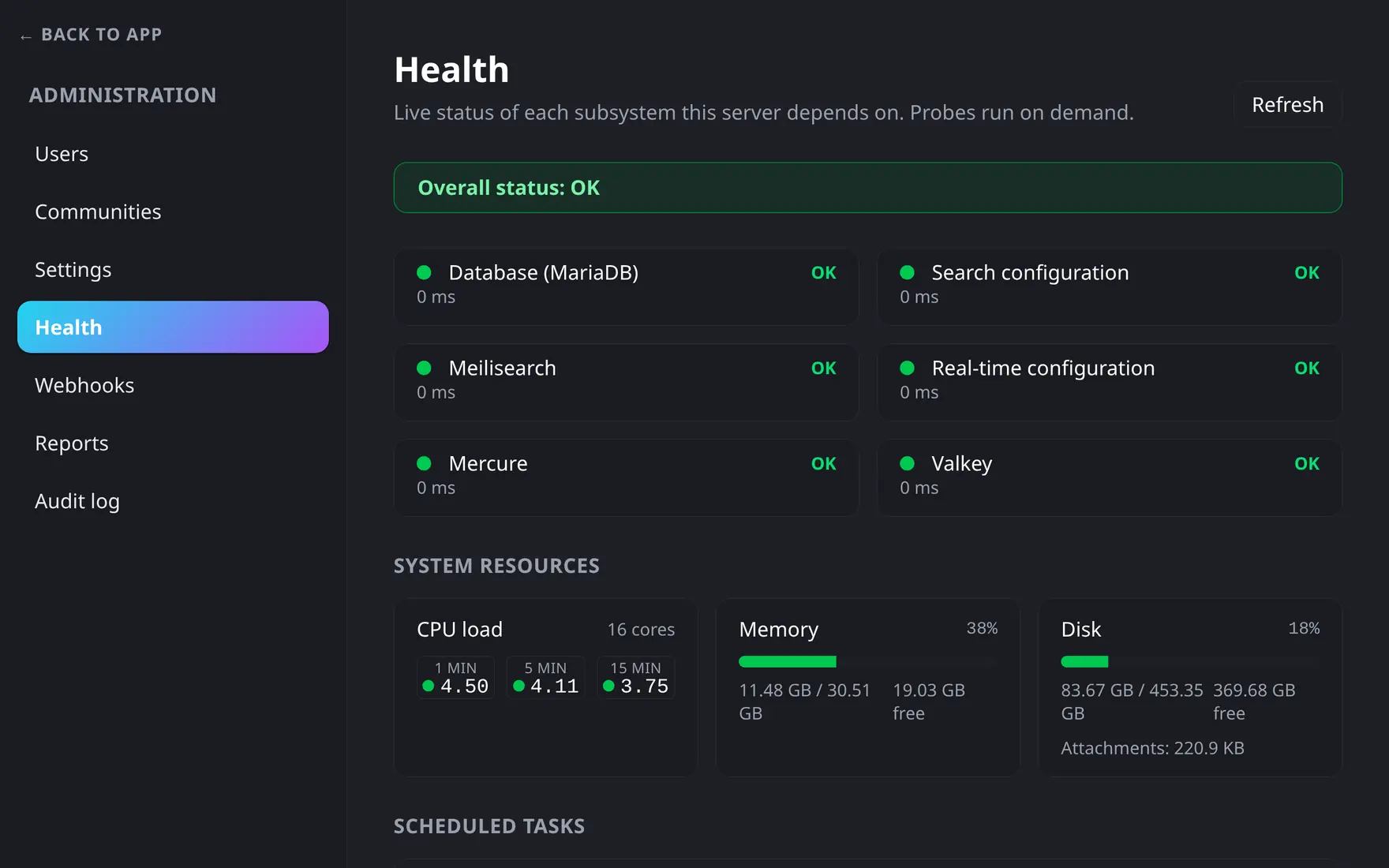
Admin panel → Health: one probe card per component, plus load and scheduled-task status.
The processes
| Service | Runs |
|---|---|
app |
the API + embedded realtime hub |
worker |
async jobs — notifications, webhooks, digests, exports |
scheduler |
recurring jobs — retention purges, cleanups |
Workers restart gracefully on updates and self-restart hourly as a leak guard. Logs from all services are JSON on stderr:
docker compose logs -f app worker schedulerSearch index
Meilisearch indexes messages as they flow. If the index is ever lost or you restored a database backup over it, rebuild:
docker compose exec app php bin/console tyto:search:reindexIdempotent and batched — safe to run on a live server.
HTTP cache
Cached pages live in the http-cache Valkey container and are emptied
automatically every time the app container starts, including on
updates. Edits clear their own pages, so you shouldn’t need
to touch it; if you ever suspect stale pages, empty it by hand:
docker compose exec app php bin/console tyto:http-cache:purge-allSafe on a live server: the next requests just rebuild what they need. To
check whether a response came from the cache, look for Cache-Status in
its response headers: hit means it was served from the cache. Settings
and the off switch are in
Server settings → Advanced.
Backups
What to back up, restore and migration drills live in Backups & restore.