Messages & threads
Permalinks & embeds
Linking to messages privately, quote previews, and embedding public messages on other sites.
Permalinks
Every message has a copyable link of the form https://<your server>/m/<id>
— the address of the server itself, so it works wherever it’s pasted and
needs no web client. It is deliberately free of community and channel
names, so pasting one leaks nothing about where it lives.
In the app, opening it jumps to the message in place, flashing it; links to thread replies open the panel. Public-channel links work logged-out; anything you can’t access shows a generic “not available” (no way to probe what exists).
What people without the app see
Opening a link in a plain browser lands on a page the server itself serves: Shared from the server’s name, the message as a card, an Open in Tyto desktop button, a Get the desktop app link and — when the server has a web client configured — an Open in web app button. The message is shown only when it’s in a public channel. Private channels, direct messages and deleted messages show a plain “Message unavailable”.
Quote previews
Pasting a permalink into a message shows a compact quote preview above the body, headed by where the message lives:
| Link points to | Header |
|---|---|
| The same community | #channel |
| Another community on the same server | #channel · Community |
| Another server (desktop app) | #channel · Community · Server |
A preview is read with your own access, so you only ever see messages you could open yourself. If a link on your own server can’t be read, the preview says so briefly; for another server it simply leaves the link.
Links to other servers
In the desktop app, a link to a server you’ve added gets the same card, loaded through that server’s own connection — thumbnails and custom emojis included. Clicking it switches to that server and opens the message.
Links to servers you haven’t added stay plain links, and nothing is fetched from them: a pasted address can’t make your app contact a server you never chose. The web client previews only the server it’s on.
Embedding a message
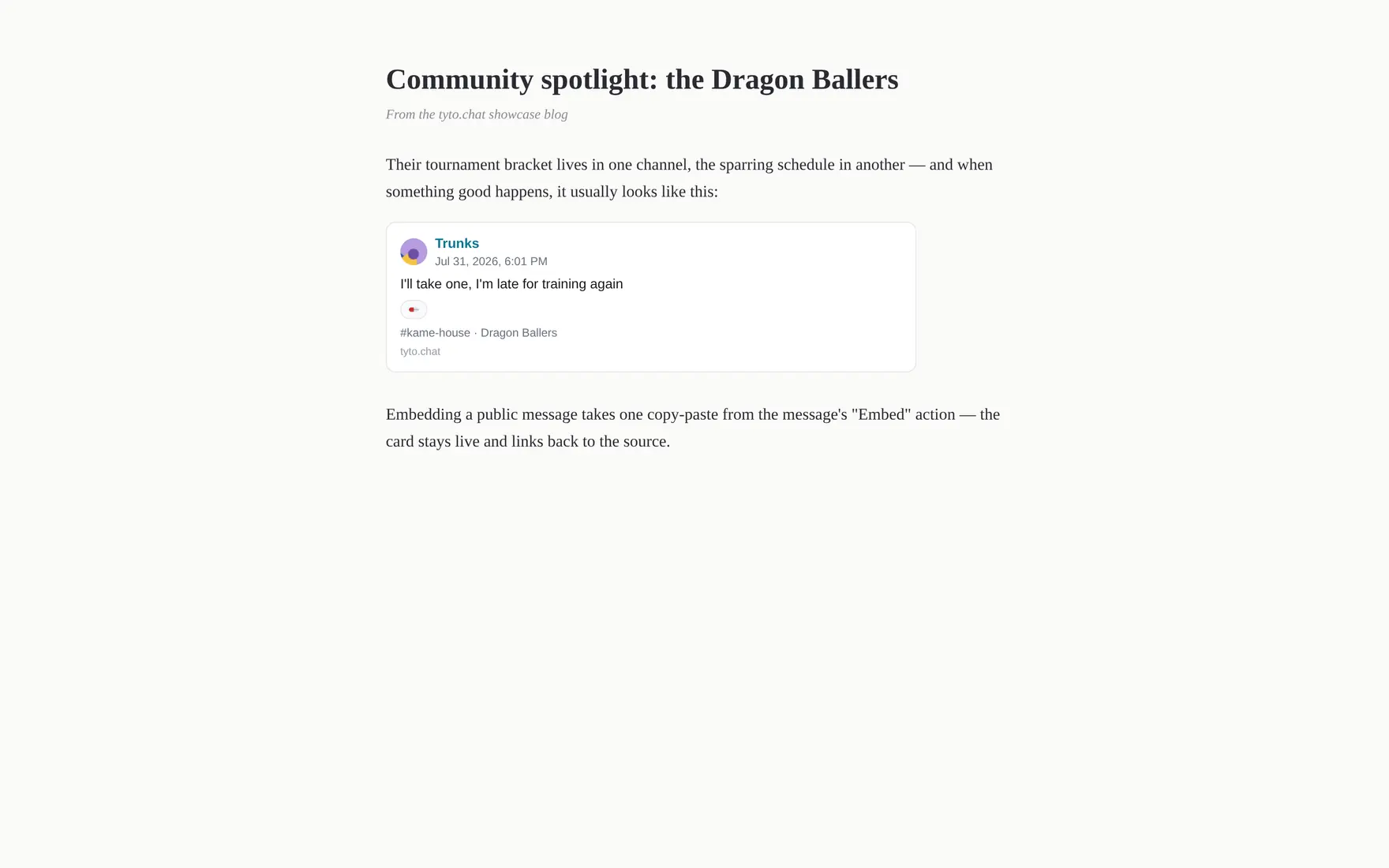
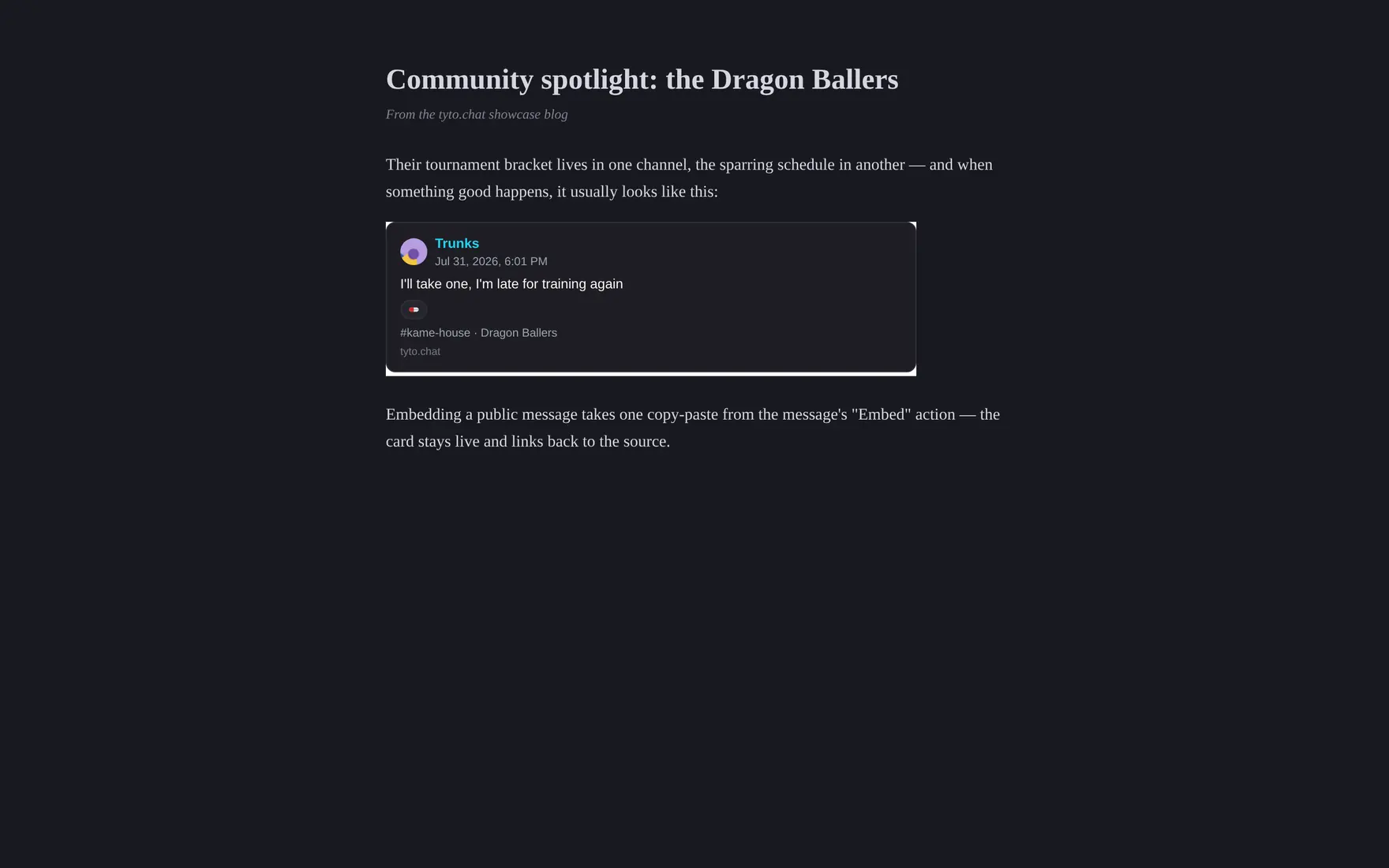
The embed snippet turns into a live card on any third-party page.
Messages in public channels of public communities can be embedded on
any website, Twitter-style. The hover menu’s Embed action produces a
copy-paste HTML snippet: a <blockquote> with the message text (the quote
survives without JavaScript) plus a small script that upgrades it into a
live card — author, content, link back — auto-sized and styled by your
server. Viewers don’t need a Tyto account.
The card and its script are served by your Tyto server itself, so a server doesn’t need a web client deployed to be embeddable.
The action only appears where embedding is possible: never in private communities or channels, never in direct messages, not on deleted or system messages.