Messages & threads
Threads
One-level reply threads — the panel, timeline separation, notifications.
Any message can start a thread — one level deep, in channels and direct messages alike.
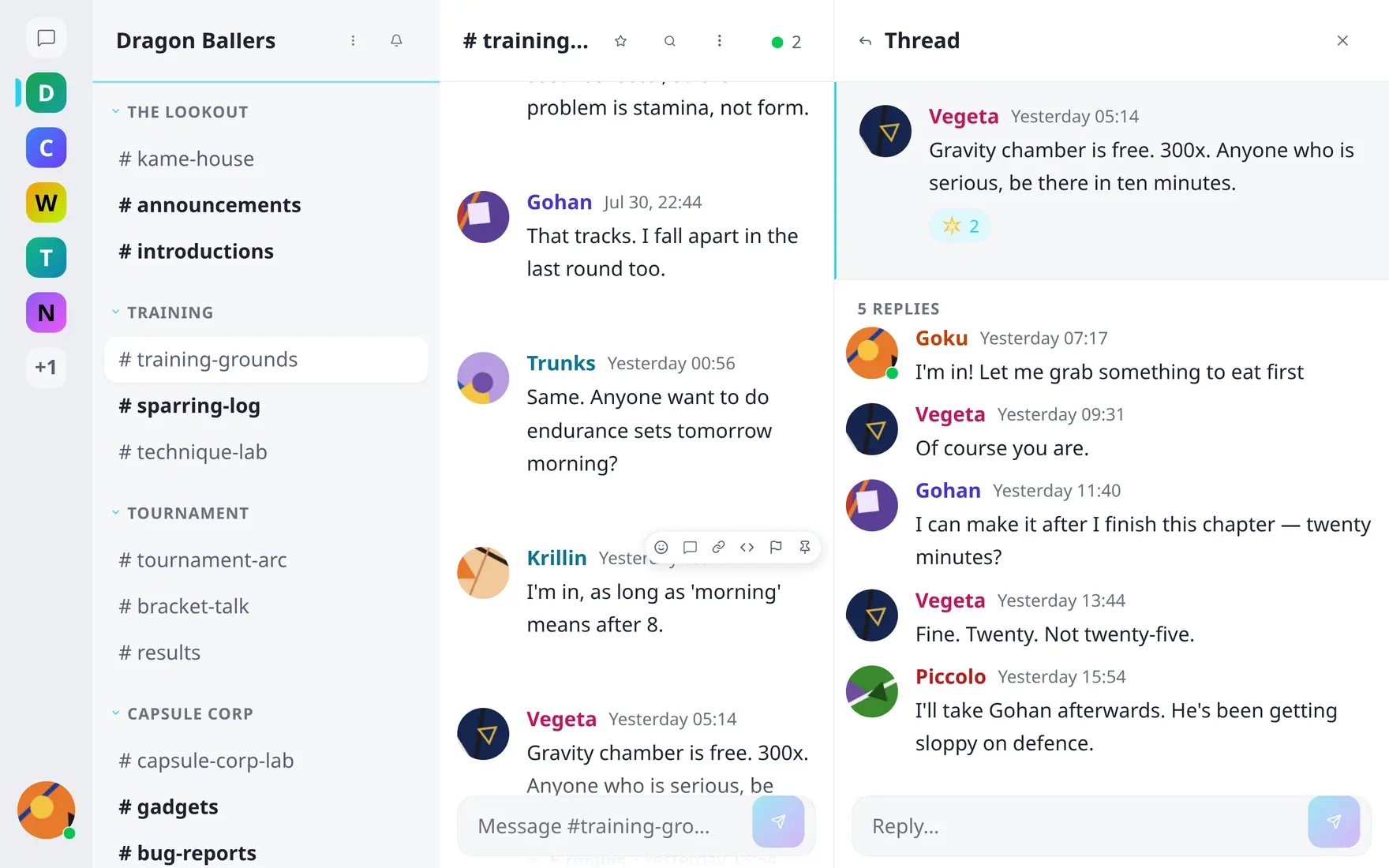
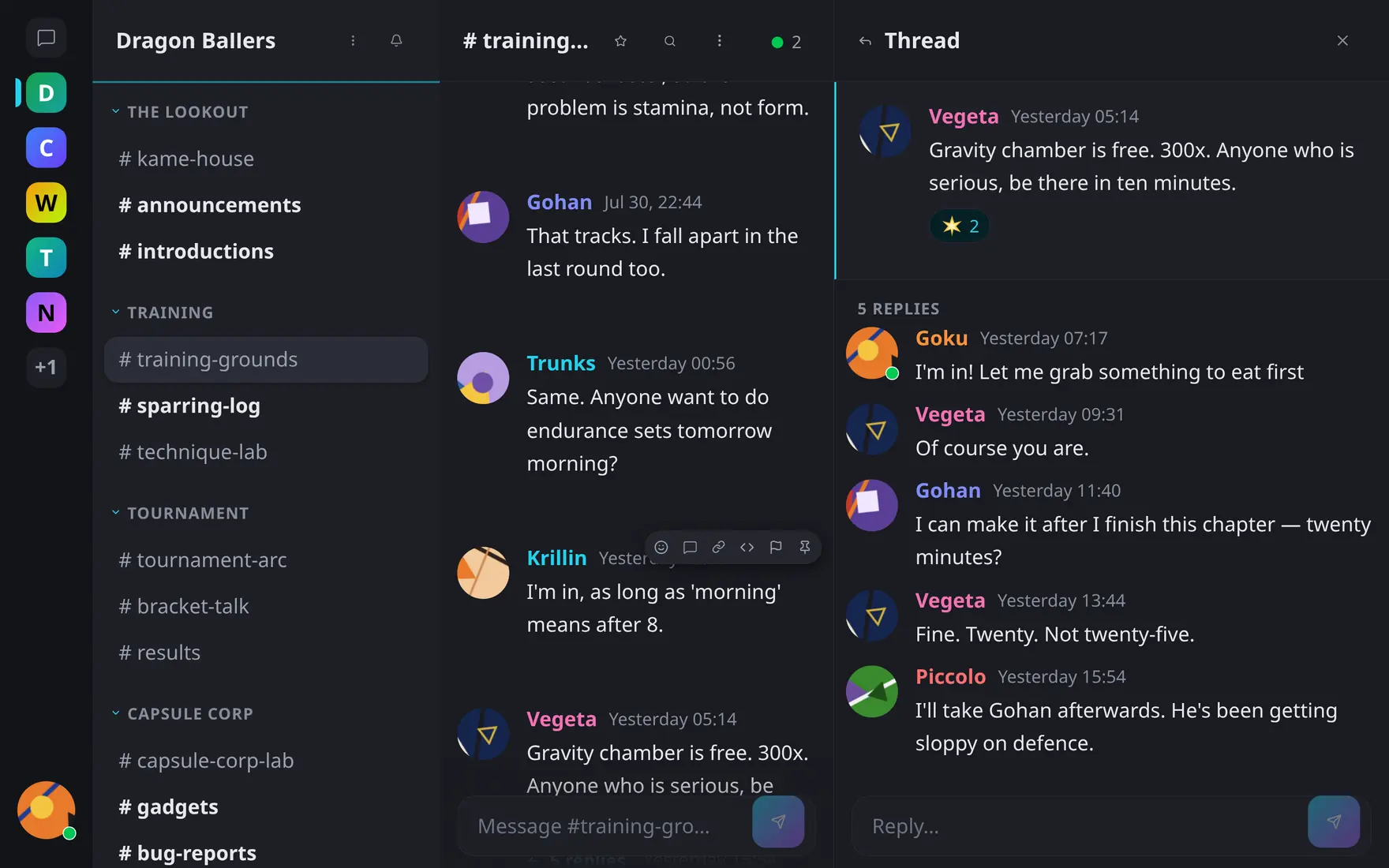
The thread panel opens beside the timeline — the channel keeps its own flow.
- Reply in thread (hover toolbar) opens a side panel: the root message, its replies oldest-first, and a composer.
- The root shows a “💬 N replies” footer in the timeline — click to open the panel.
- Replies stay out of the main timeline, and thread activity doesn’t mark the channel unread — the channel stays calm while a discussion runs on the side.
- Everything works inside a thread: the full editor, reactions, attachments, edits and deletes (deleted replies tombstone in place).
- Thread replies are searchable and have permalinks — opening a reply’s link opens the panel scrolled to it.
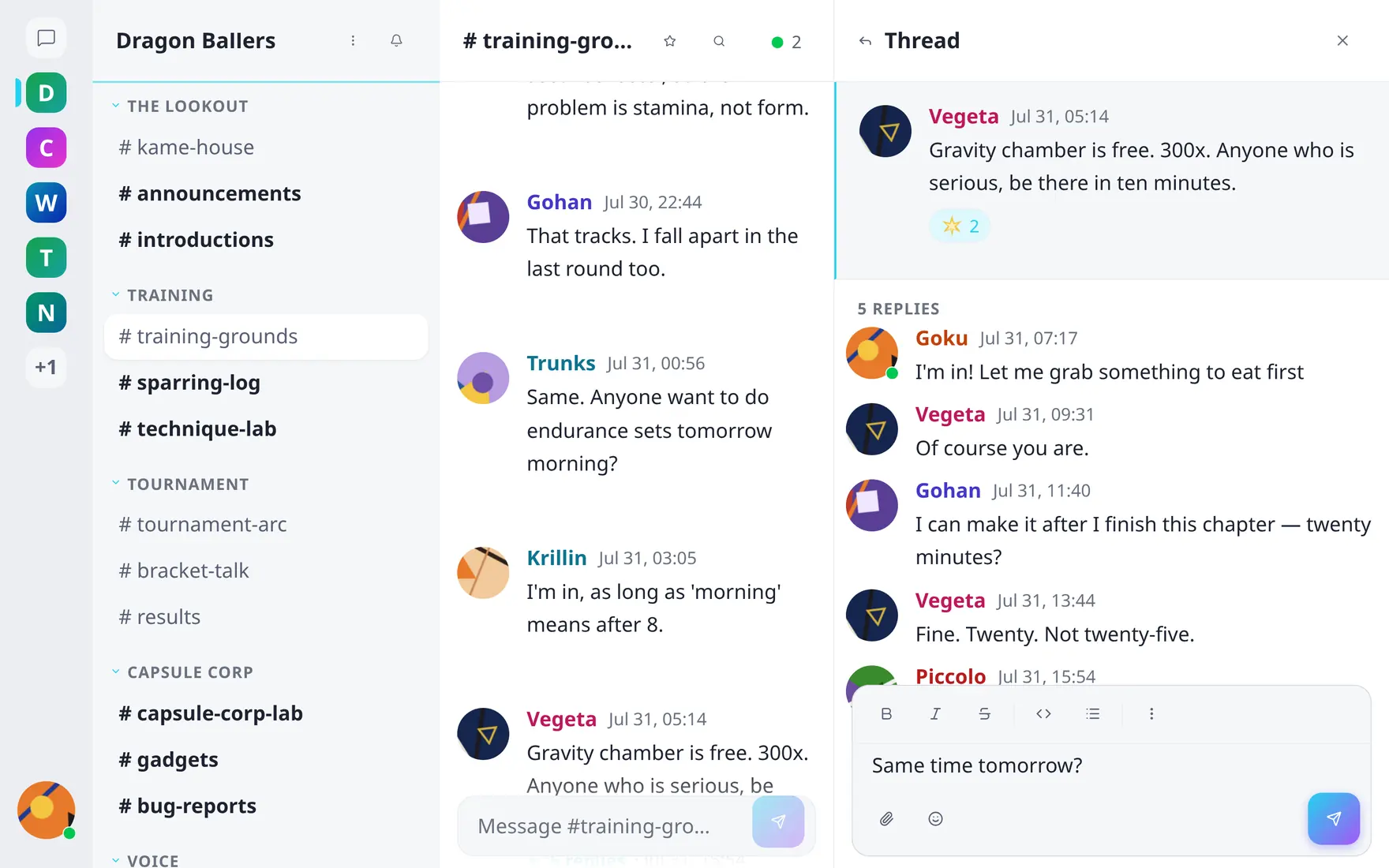
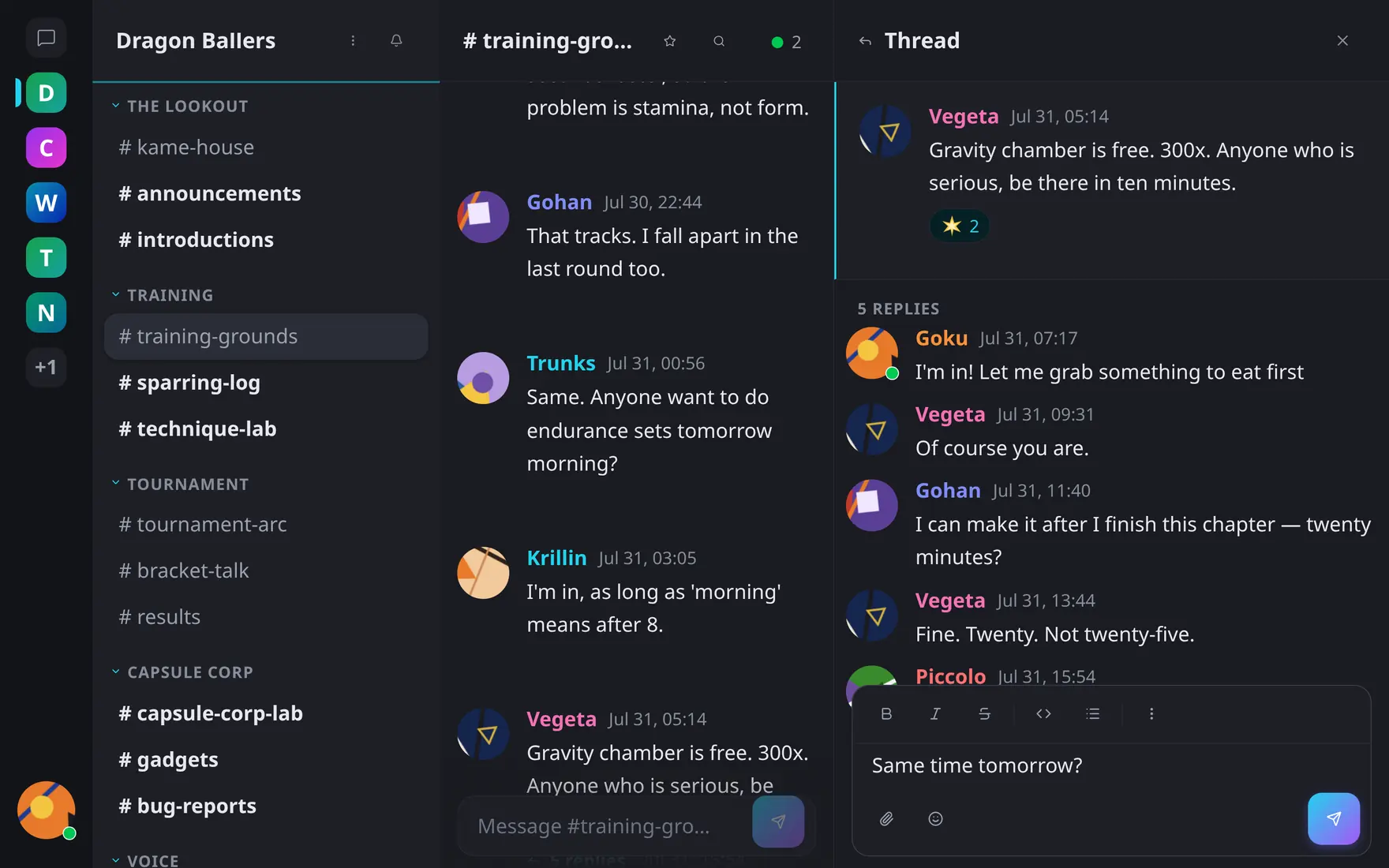
The panel has its own composer — replies never clutter the channel timeline.
One level only: you reply to the root, not to a reply — threads stay flat and readable.