Account & preferences
App preferences
Theme, interface scale, language, timezone, send key, typing privacy and other everyday knobs.
Preferences (user menu) splits the everyday knobs across two tabs: General for how the app looks and where it thinks you are, Chat for how the composer behaves.
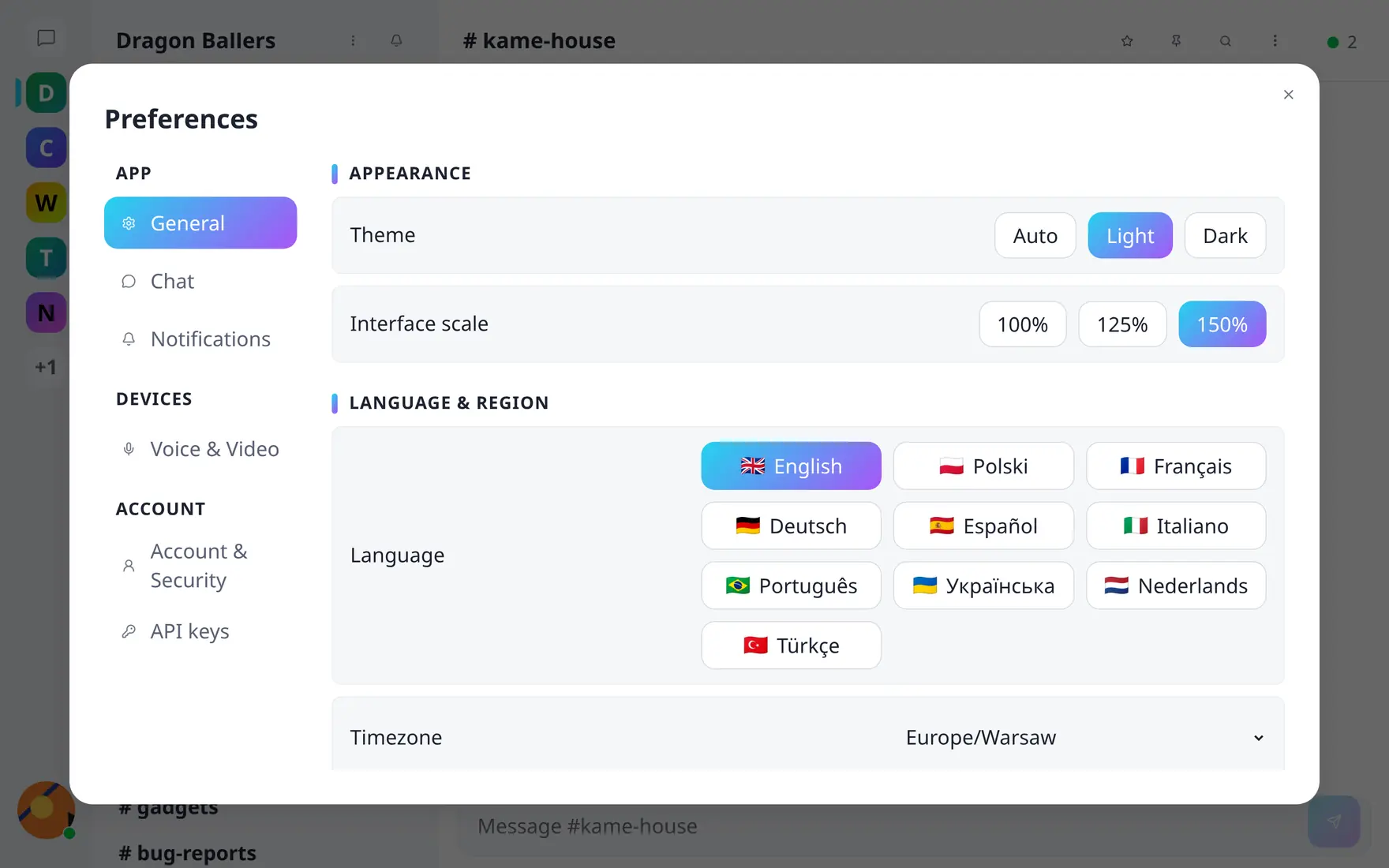
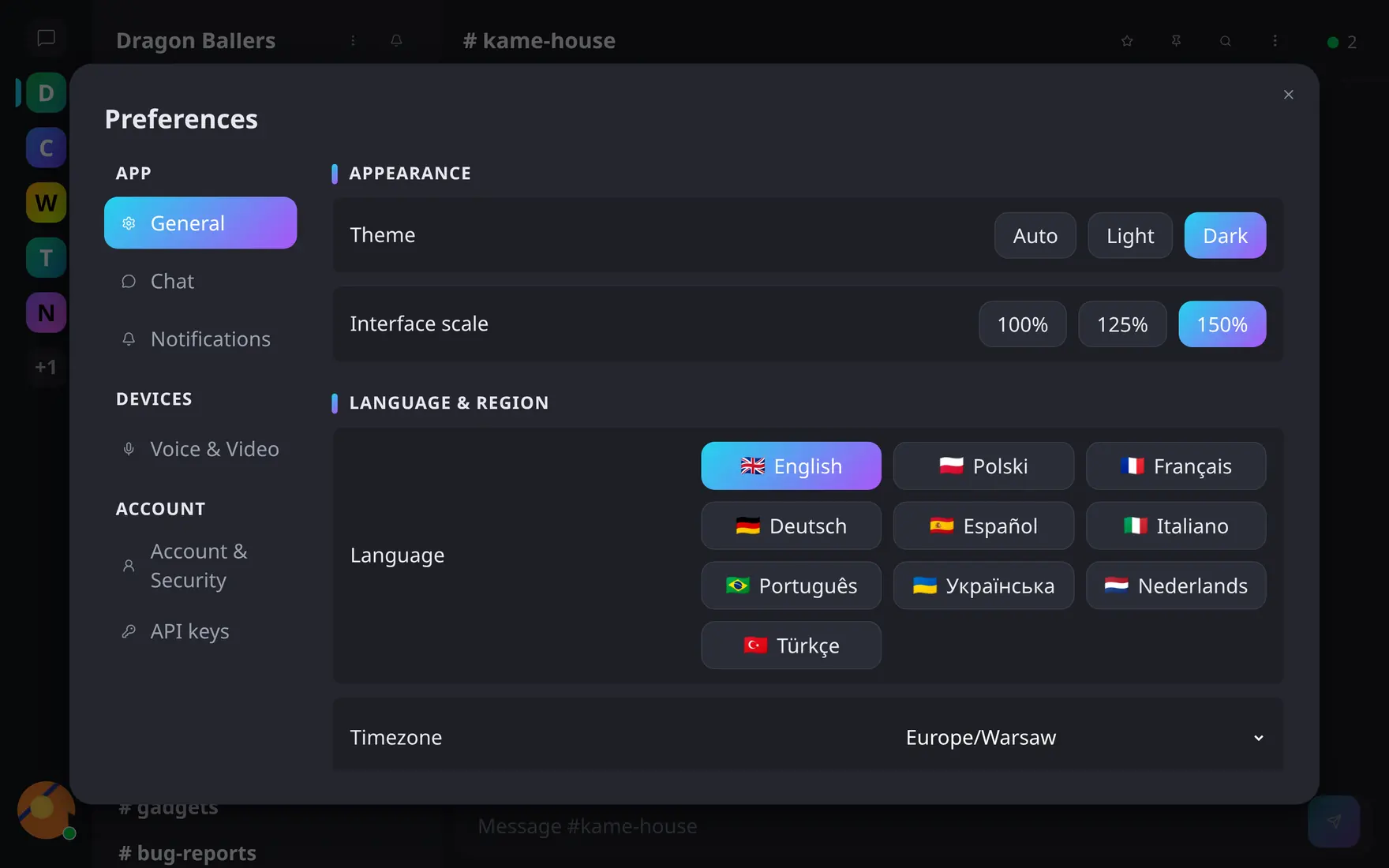
Preferences → General. Interface scale is per device; the rest follows your account.
General
- Theme — light, dark, or follow the system.
- Interface scale — 100%, 125% or 150%, independently of the browser zoom. Stored on this device, not on your account: your phone and your desktop keep their own value.
- Language — the interface language; see Language, account & your data.
- Timezone — timestamps across the app render in the timezone you pick, wherever you log in from.
Chat
- Send key — Enter, Shift+Enter, Ctrl+Enter, or None; the combination you don’t pick inserts a newline instead, and None disables sending from the keyboard altogether so you send with the button.
- Convert emoticons to emoji — turns
:Dinto 😄 as you type. Skipped inside code. - Emoji skin tone — the default tone used by the picker and autocomplete. Per device.
- Let others see when I’m typing — opt out of broadcasting “…is typing”; you’ll still see theirs.
- Pick up where you left off — reopen the channel or conversation you last viewed when you come back. Turn it off to land on the community’s default channel every time.
Microphone, speakers, camera, voice mode, push-to-talk key, levels, noise suppression and background blur share a single Voice & Video tab — see Voice & video; all of it is per device. Your own API keys and account actions sit in the remaining tabs.