Account & preferences
Notifications
The layered notification model — per-channel levels, community mute, desktop, Web Push and the email digest.
Layered, most specific wins:
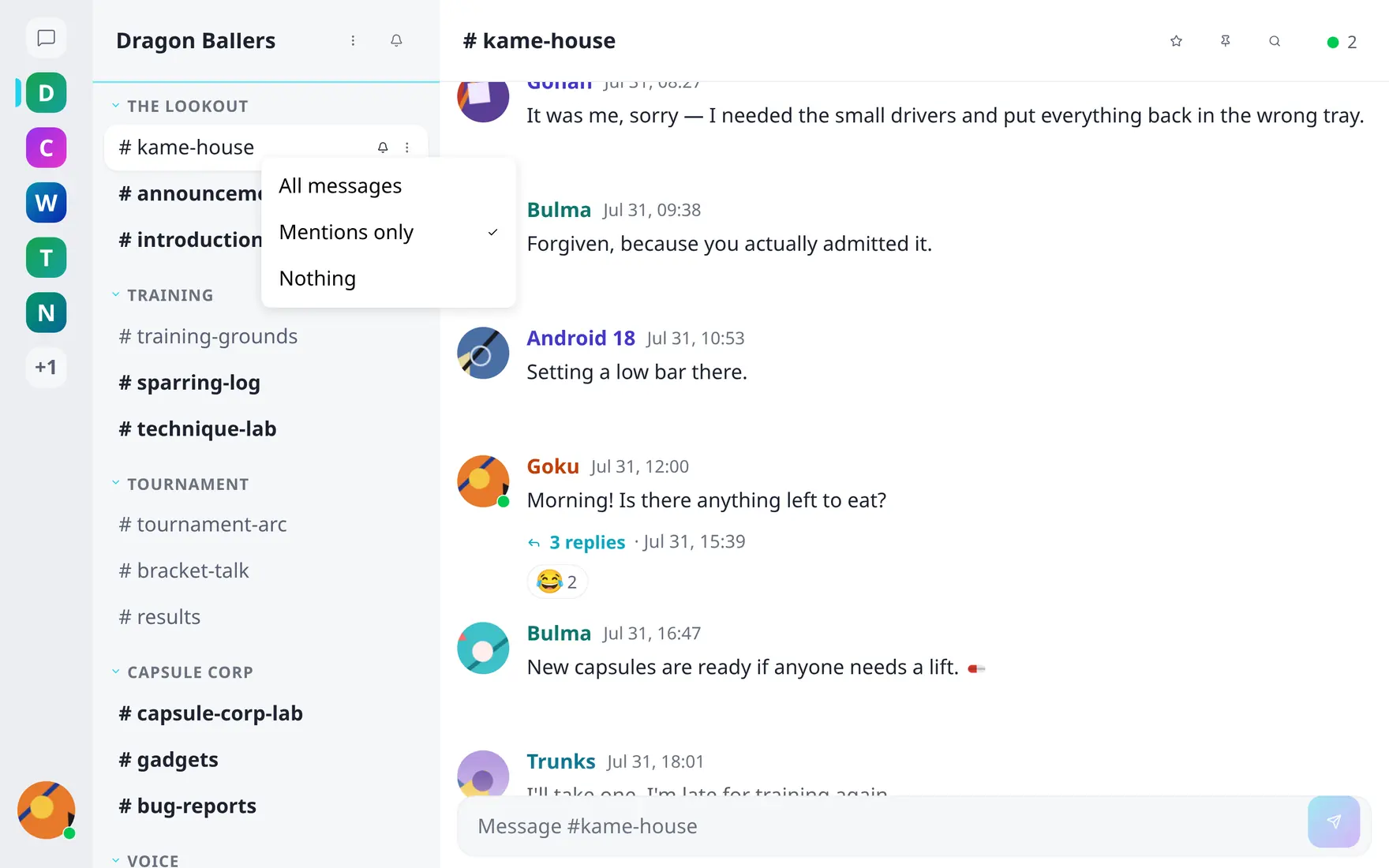
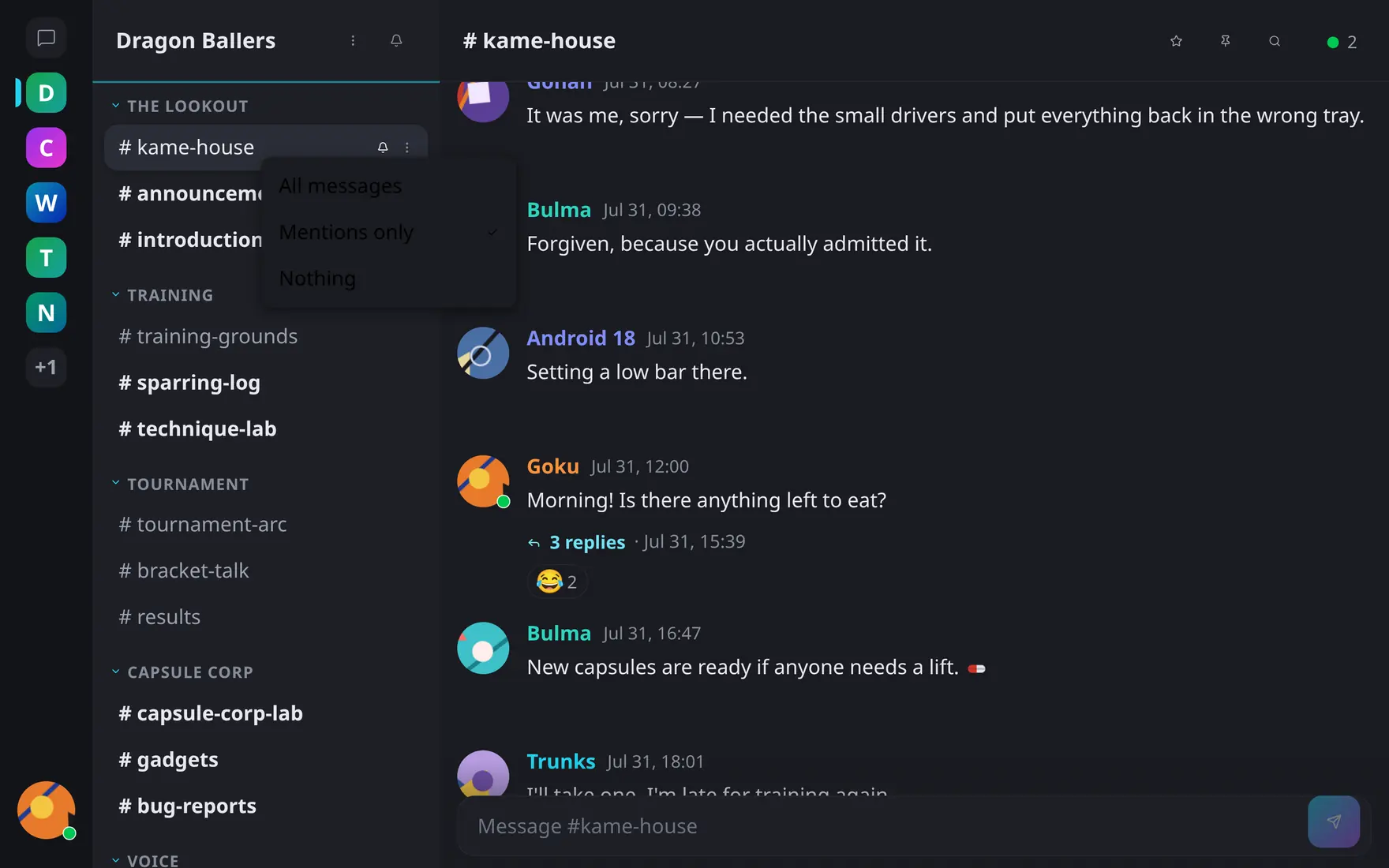
The hover bell on any channel sets its level — Mentions only is the default.
- Per channel — hover bell in the sidebar: All messages / Mentions only (default) / Nothing.
- Per community — mute the whole community from the notification panel; individual channel settings still apply when you unmute.
- Coalescing — channel activity arrives as one entry per burst, not one per message. Mentions and DMs always notify individually.
Delivery beyond the app:
- Desktop notifications — native popups while the tab is open but hidden.
- Web Push — notifications with the browser closed, via your browser’s push service. Shares one opt-in toggle with desktop notifications in Preferences; clicking either deep-links to the message.
- Email digest — an optional daily summary of what you missed: mentions, DMs, and account notices like new group or channel access. Sent at the server’s configured hour, in your language.
Community notifications require actual membership — server admins browsing a community they haven’t joined aren’t notified (the bell offers “Join to receive notifications”).